New terminal deployment
For new network terminals, software, patches and business documents are distributed in batches.

We provide some useful tools. For example: remote assistance, patch management, remote deployment software, etc., through Ping64, it can greatly improve the work efficiency of network operation and maintenance personnel and help efficient operation and maintenance of enterprise IT systems.
For new network terminals, software, patches and business documents are distributed in batches.
Remotely connect to the faulty terminal to view the scene and assist in locating the problem.

Unified configuration of wallpapers and screensavers for designated terminals reduces the need for device-by-device settings.

Verify public terminal login identity and record usage and operation.
Receive terminal repair work orders, check problems and arrange follow-up processing.
When the device is decommissioned, enterprise data can be erased according to the selected range and the execution results can be viewed.
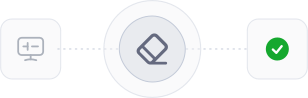
The management terminal verifies the identity, remote connection permissions and assistance terminals of the operation and maintenance personnel, and configures the personnel who can use this function according to the operation and maintenance responsibilities. When using request mode, it is up to the end user to confirm whether to accept the connection.

The remote connection is associated with the identity of the operation and maintenance personnel, making it easy to confirm the actual operator.

Remote assistance permissions are configured according to operation and maintenance responsibilities to control who can use this function.

Request mode requires the end user to confirm the connection and it is up to the user to decide whether to accept assistance.

Remote assistance targets designated terminals to avoid connecting to unrelated devices.
Select software, patches or business files and target terminals and then deliver the task. During the transfer process, you can check the progress on the management side. After the task is completed, check the execution results of each terminal to facilitate continued processing of unfinished devices.
When the terminal fails or software needs to be installed, the operation and maintenance personnel select the device and initiate remote assistance according to permissions. In request mode, the user confirms the connection and disconnects it after processing.
Find the terminal that needs assistance and confirm the problem reported by the user and the target of this connection.
Initiate remote assistance according to existing permissions; in request mode, the end user confirms the connection.
Troubleshoot problems, install software, or demonstrate operations to users via remote desktop.
After this operation is completed, explain the processing situation to the user and disconnect the remote connection.
When a device is lost, an employee resigns, or the terminal is decommissioned, the administrator selects the device and enterprise data range and issues an erasure task; the terminal executes it after reconnecting, and can check the receipt.
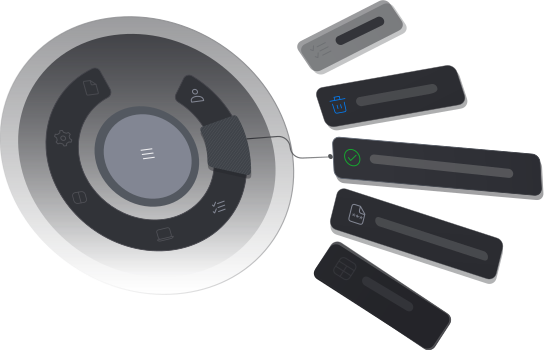
First select the terminals that need to be processed on the management side, then limit the scope of enterprise data and then issue the erasure task to avoid including irrelevant files in the cleanup.
When the terminal is temporarily offline, the task remains to be executed; processing continues after the device is reconnected, and the administrator can view the task progress on the management terminal.
Press the terminal to view task status and execution receipts, and check completed and pending equipment one by one to facilitate follow-up arrangements and record retention.
Administrators can uniformly set wallpapers and screen savers according to terminal groups, and centrally handle user repair work orders; when terminals are idle, they can lock the screen or turn off the display according to the policy, and can also send notifications and alarms to designated terminals, reducing device-by-device settings and repeated communication.
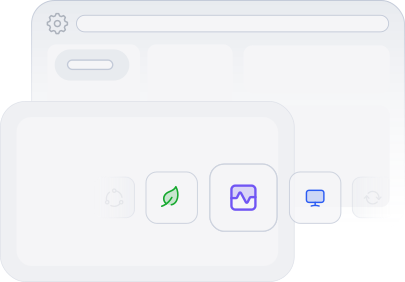
Unify management of terminal desktop settings and develop unified desktop wallpapers, screensavers, etc. for enterprise terminals to improve user work enthusiasm and enhance corporate culture.
Users can submit fault repair work orders through Ping64, and administrators can promptly and effectively collect terminal work order information and respond promptly, simplifying operation and maintenance.
Intelligently monitors the user's working status. If it detects that the user is idle, it will automatically turn off the monitor, lock the screen, etc. on the idle computer. Ping64 can formulate a reasonable power plan to save energy and reduce the risk of data leakage.
Ping64 provides a fast unified message notification service, sending instant notifications and alarms to terminals. Interact with end users in real time.

From remote assistance and data wiping to ticket handling and desktop provisioning, learn how Ping64 fits into your existing endpoint management processes. When booking a demonstration, you can check how to use the function based on the actual terminal size and operation and maintenance methods.