

Active Directory Management
Ping64 provides unified Active Directory management, centralizes audit logs for key actions, simplifies domain administration, strengthens access security, and improves IT efficiency.
The essentials of directory administration
Connect directory operations, approval rules, execution feedback, and operation records in one process so critical changes remain controlled, visible, and accountable.
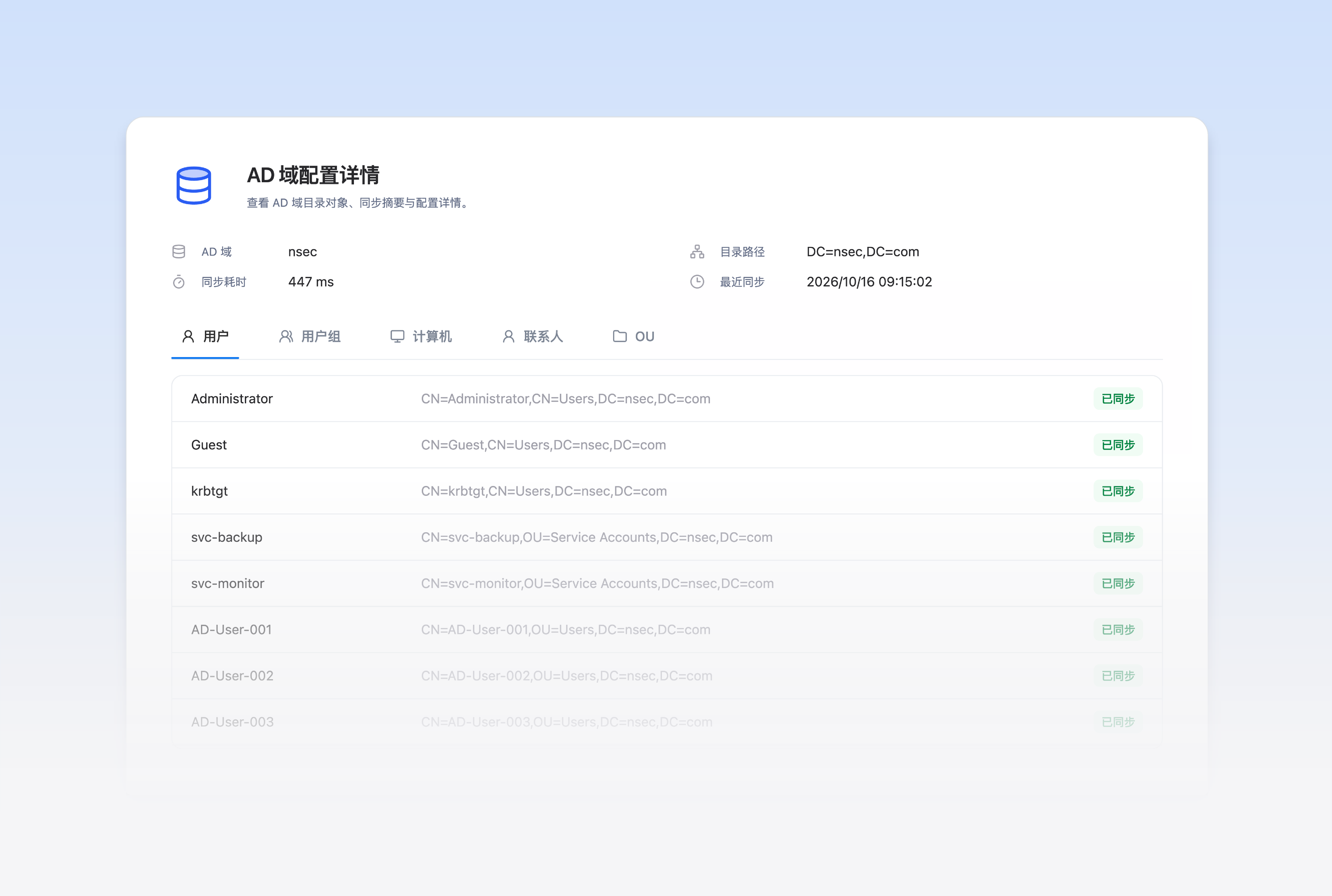
Domain connections and synchronization
Configure domain connections, synchronization scope, and schedules. Review tasks and status to track directory synchronization.
Directory object management
View and maintain users, groups, computers, organizational units, and contacts according to object type.

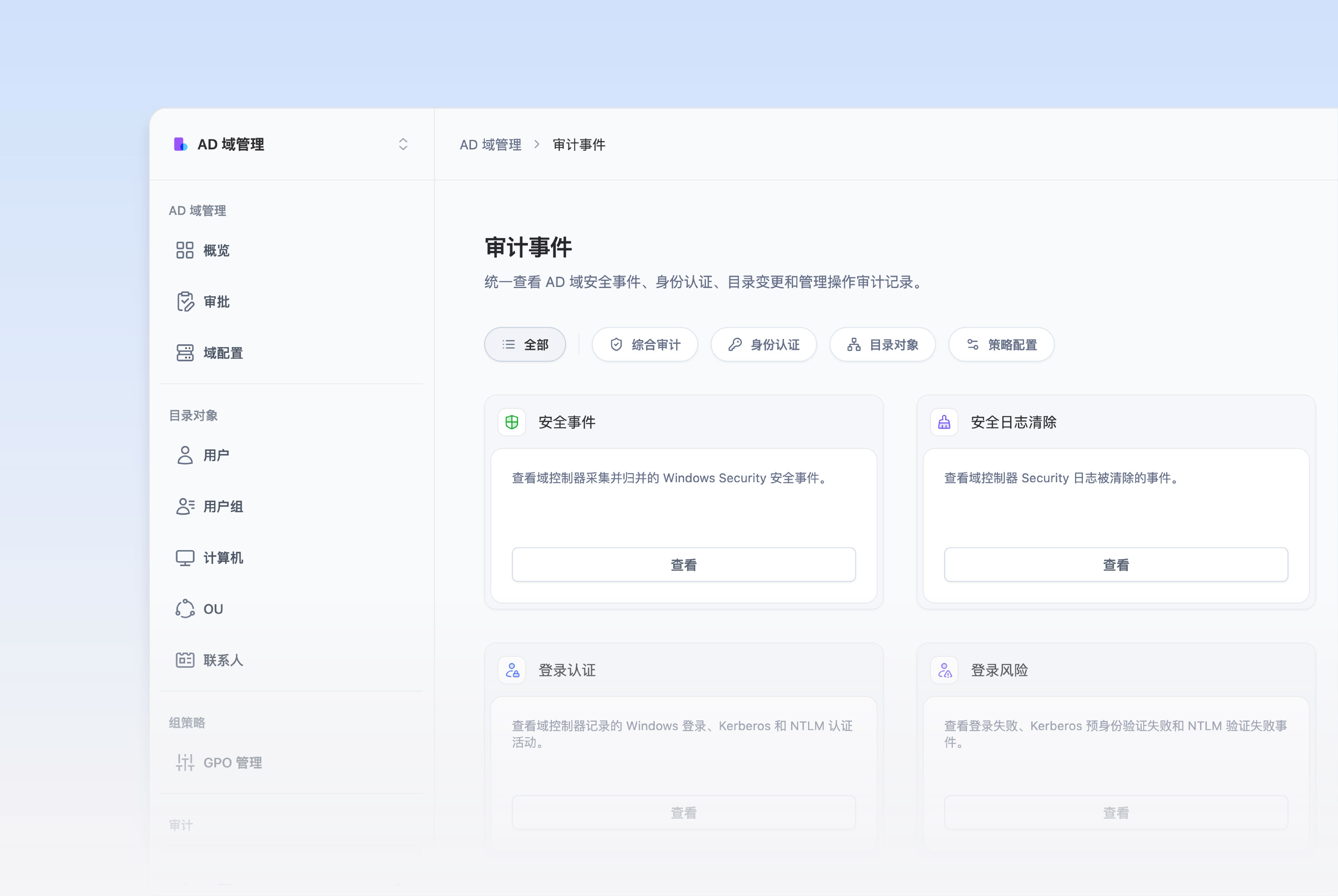
Domain security auditing
Review domain security events, authentication, and directory operation records in one place to find anomalies and trace critical actions.
Accounts and memberships
Enable, disable, unlock, and maintain supported account and membership operations in batches.

A traceable path for critical operations.
Connect operation requests, approval rules, execution feedback, and audit records so every critical change can be traced from submission to result.

Submit an operation
Select the managed object and operation, define the change scope, and submit the request for processing.

Apply approval rules
When a configured rule matches, route the request through the relevant approval flow and retain the decision and record.

Review execution and results
After approval, execute the operation according to policy and review its status, result, and any failure reason.

Keep an operation record
Record the operator, time, target object, result, and other evidence for later review of directory changes.
A clear path for directory objects, from creation to exit.
Manage directory objects through creation, organizational placement, daily changes, status handling, and traceable lifecycle records.
- Start with creating the directory object. Create users, groups, computers, or contacts in a defined domain and directory location, then set their initial properties and status.
- Place objects in the right organizational relationships. Maintain the object OU, group membership, and related properties according to the organization structure so the directory reflects the business structure.
- Keep the directory current as people and responsibilities change. Adjust object properties, memberships, and directory placement when roles, departments, or responsibilities change.
- Handle account and object status changes promptly. Authorized administrators can disable, re-enable, or unlock accounts, maintain passwords, and adjust computer account status.
- Keep the basis for every object change. Review object operations, execution status, and results, and correlate them with platform records and domain events when needed.

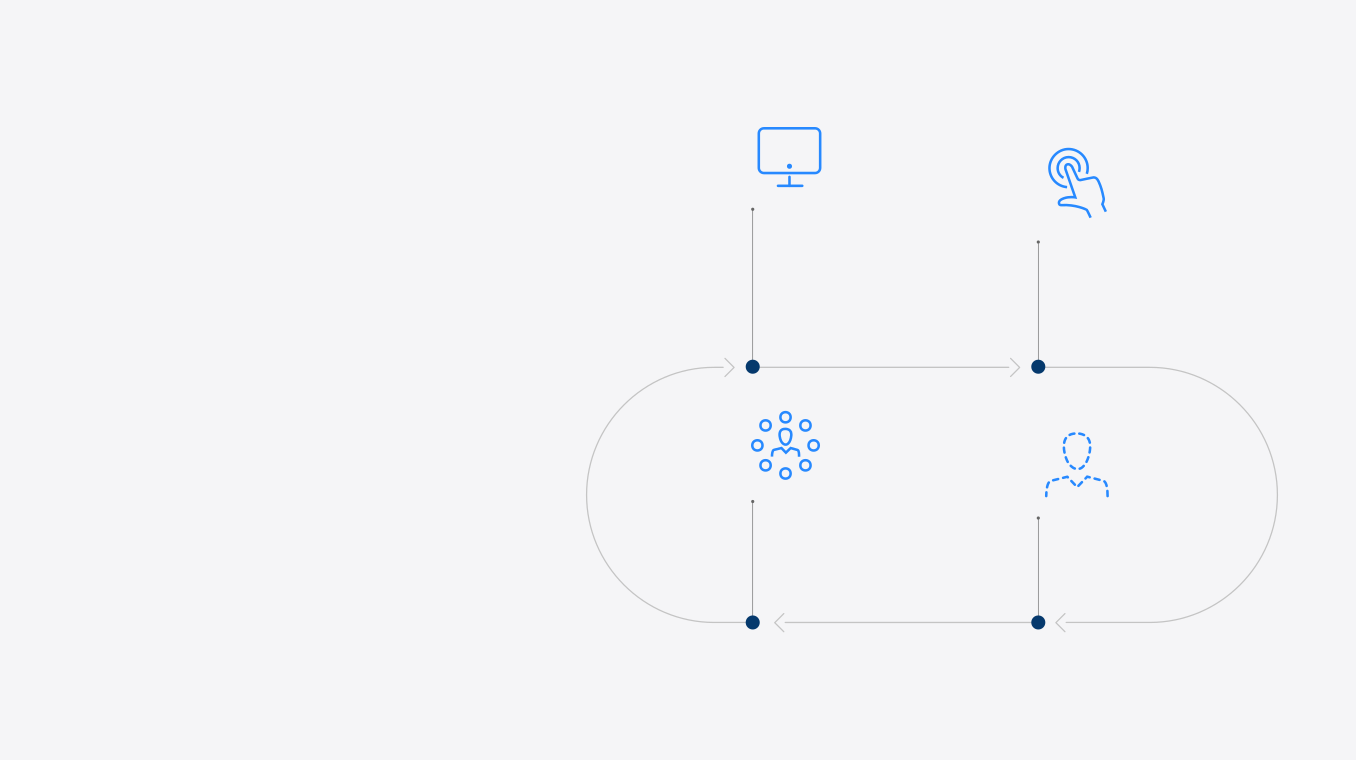



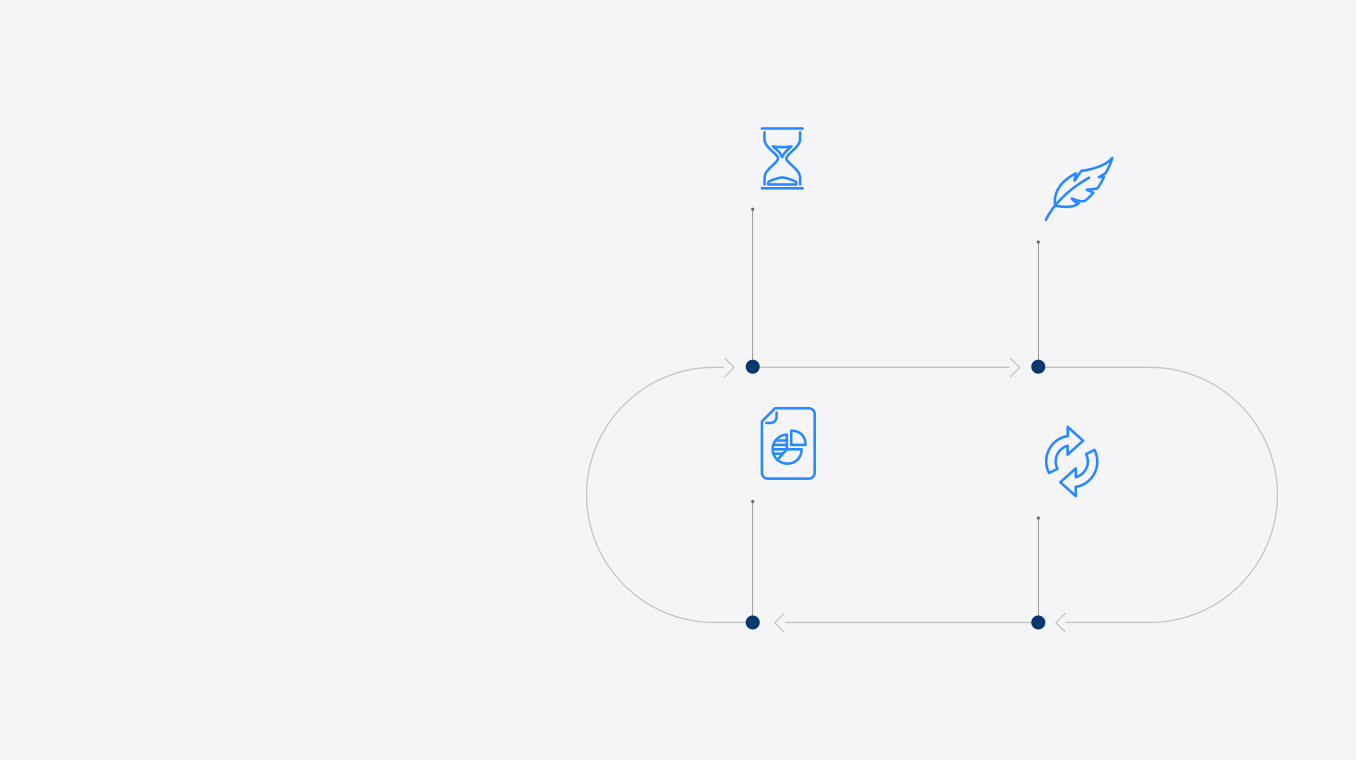
Bring directory management into everyday work.
Bring AD user management, organizational relationships, account status, password administration, and Group Policy together in one platform for everyday directory work.

Give new employees an orderly start.
Create users in AD and maintain their attributes and group memberships.

Keep directory relationships aligned with changing roles.
Update user attributes, organizational placement, and group memberships as roles change.

Disable accounts and retain a traceable record.
Disable departing accounts, maintain group relationships, and review the operation record.

Handle unlocks and administrator password resets centrally.
Unlock accounts, reset passwords, or enable accounts, then review the outcome.

Keep Group Policy changes controlled and reviewable.
Manage GPO links, security filtering, and delegation, then review the change record.

Review authentication and directory changes against audit records.
Review authentication, account, group, and policy events to trace directory changes.

Connect to your existing AD environment
Connect an accessible Active Directory environment, configure network, account, permission, and audit settings, and maintain directory data within defined boundaries.


