For many enterprises, endpoint data loss does not always begin with an attack or a mistaken deletion. In many cases, the problem starts at a more basic layer: the disk is already deteriorating, but no one notices early enough. Financial spreadsheets stop opening, design files become corrupted because of SSD write problems, support workstations begin stalling repeatedly before crashing, or development machines accumulate bad sectors without being noticed. These incidents often do not happen suddenly. The warning signs build up over time, but the organization lacks a stable and unified way to see them in advance.
That is what makes disk health management so important. A hard disk or solid-state drive usually does not jump directly from normal operation to complete failure. Before that point, there are often warning indicators such as temperature anomalies, increasing read/write errors, more bad sectors, or wear-related decline. If the IT team waits until users report obvious failures, then data protection remains reactive. For the enterprise, disk health should not be treated as an occasional low-level technical metric. It should be part of routine endpoint operations, used to discover risk early, schedule backups, and plan replacements before failure becomes a business event.
Why enterprises should monitor endpoint disk health continuously
Disk failure does not only affect one machine. It directly affects data integrity, system stability, and business continuity. In departments such as finance, development, design, and customer support, where local files and stable workstations matter heavily, a disk problem can quickly become more than a hardware issue. It can mean damaged documents, lost data, interrupted work, delayed delivery, and emergency recovery cost.
The challenge becomes even greater when endpoint volume grows. Once an enterprise manages many devices, disk checks are no longer practical as a purely manual, one-by-one task. Without a unified view into HDD and SSD health, it becomes difficult to know which endpoints are becoming risky, which models should be prioritized for replacement, and which endpoints may still boot but are already close to failure. Preventing data loss from disk failure is therefore not mainly about recovering after damage. It is about seeing the warning signs before the disk actually breaks down.
The key is not checking once, but turning disk health into a regular operating signal
Many organizations still think of disk checks as something done only after a problem appears. From an operations perspective, however, disk health is closer to a technical health report for endpoint storage. It is not meant to say “the drive is broken” after the fact. It is meant to help administrators judge risk while there is still time to act. Once disk health is part of regular operations, endpoint hardware management can move from passive repair to preventive maintenance.
In practice, that usually means three things. First, IT needs a unified place to review endpoint disk health instead of relying on user complaints. Second, declining or abnormal health should immediately feed into backup, inspection, and replacement planning. Third, disk health should be judged together with device age, repair history, and business criticality instead of being treated as a single isolated number. That is how disk health monitoring begins to reduce the chance of data loss.
How to use Ping32 to check endpoint HDD and SSD health
1. Use hardware assets to review disk health centrally
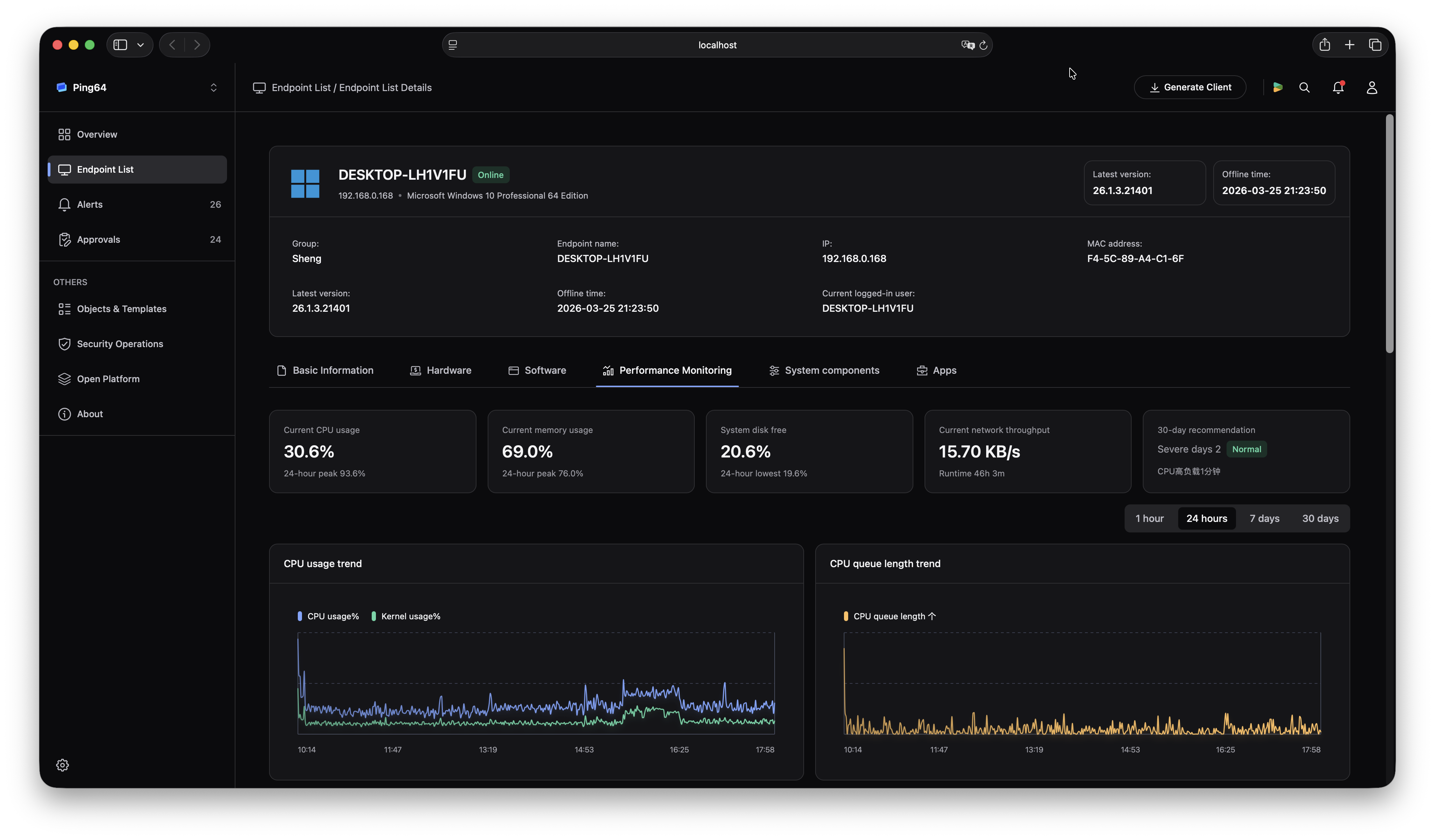
Administrators can open the Ping32 console and go through Device Management -> Hardware Assets -> Hard Disk -> Health to review endpoint disk health status. The manual states clearly that Ping32 provides a Disk Health function to help operations teams discover disk failure risk earlier. The value of this entry point is that it pulls storage health information back into one unified asset and operations view instead of leaving it scattered across individual endpoints.
In environments with many endpoints and mixed device ages, this becomes especially useful. Administrators no longer need to wait until users report that machines are slow or files are unreadable. They can first see which endpoints are already showing abnormal or declining health conditions.
2. Understand what disk health is actually signaling
According to the manual, disk health can be understood as a combined “can this drive still work normally” indicator. It is typically based on S.M.A.R.T. data and evaluated through multiple factors, including powered-on time, temperature anomalies, bad sector count, read/write error count, wear level, and indicators of impending failure.
That means disk health should not be read as an abstract score. It should be understood as a compressed risk signal. For HDDs, changes in bad sectors and read/write errors often matter more. For SSDs, wear level and write-life degradation are usually more relevant. In either case, the point of the health metric is to warn administrators whether failure risk is rising and whether that risk may lead to data loss.
3. Treat abnormal or continuously declining health as a trigger for backup and replacement planning
The manual explicitly recommends that for endpoints with abnormal or continuously declining health, administrators should arrange data backup, disk inspection, or replacement as soon as possible. This is not something that should wait until users report that the system no longer starts or files are already corrupted. In a mature operations process, abnormal health is treated as an early warning signal in its own right.
That is especially true for endpoints used by finance, development, design, and support teams, where the value of local data is high. A disk problem there is not just a repair issue. It is also a document recovery issue, a productivity issue, and a delivery-risk issue.
4. Judge health together with device age and repair history
Ping32’s manual also advises that health should be reviewed together with device age and fault-repair history, rather than used as a single standalone decision factor. In other words, administrators should not turn one health status into an automatic “replace immediately” or “everything is fine” judgment. They should consider the endpoint’s role, usage duration, recent abnormal behavior, and maintenance history together.
This avoids two common extremes. One is replacing still-stable devices too aggressively. The other is allowing a clearly degrading disk to continue carrying critical workloads for too long. Disk health is most useful as a decision input, not as the only answer.
5. Make disk health review part of hardware asset management and preventive maintenance
For enterprises, disk health checks should not happen only when someone remembers to look. A better approach is to treat Device Management -> Hardware Assets -> Hard Disk -> Health as one of the regular inspection entries, alongside device age, repair history, procurement batch, and replacement planning. The manual also notes that if a certain hardware model begins showing concentrated health issues, the organization should investigate by procurement batch and usage scenario.
That means disk health is not just a single-device diagnostic aid. It can also become an input into broader hardware operations and asset decisions. What the enterprise needs to prevent is not only one failed disk, but also being unprepared when the same problem starts appearing across a group of endpoints.
The value of Ping32
The value Ping32 provides here is not simply a page that displays drive information. It is the ability to bring disk health into a unified endpoint operations view so administrators can discover failure risk early and connect abnormal endpoints to backup, inspection, and replacement planning in time. That moves many data-loss problems from after-the-fact response into earlier detection and preventive action.
In environments with many endpoints, mixed business roles, and complex device lifecycles, that shift matters. Once disk health enters regular endpoint operations, HDD and SSD management stops being only “repair what already failed.” It becomes “act when the risk signal appears.” That capability is exactly what helps prevent data loss caused by disk failure.
FAQ
Q1: Why is it too late to wait until users submit repair requests?
Because many disk failures do not happen instantly. Before total failure, drives often show signs such as temperature anomalies, increasing bad sectors, more read/write errors, or wear-related decline. By the time users clearly feel the problem, the situation is often already harder to recover from.
Q2: Where can administrators check disk health in Ping32?
They can do so in the console through Device Management -> Hardware Assets -> Hard Disk -> Health. This provides a centralized way to review the health state of endpoint HDDs and SSDs and identify failure risk earlier.
Q3: Does abnormal disk health always mean immediate replacement is required?
Not necessarily. A better decision combines health status with device age, repair history, business importance, and trend over time. But for endpoints showing abnormal or continuously declining health, administrators should at least arrange backup and deeper inspection as soon as possible.





 Contact


 8 min
8 min 


