Remote Management, Cross-Network Management, and Public Internet Management
Ping32 supports centrally managing endpoints across different network environments, including internal networks (LAN/intranet) and external or cross-network environments. This article summarizes the common scenarios, connection approaches, and deployment recommendations. LAN management Applicable scenario: The server and endpoint agents are on the same office network, or the internal network paths between them are already reachable. Characteristics: […]
Ping32 supports centrally managing endpoints across different network environments, including
internal networks (LAN/intranet)and
external or cross-network environments. This article summarizes the common scenarios, connection approaches, and deployment recommendations.
LAN management
Applicable scenario: The server and endpoint agents are on the same office network, or the internal network paths between them are already reachable.
Characteristics:
- Simple deployment and stable communication
- No dependency on public Internet exposure
- Easier to align with internal security policies
:
- Endpoint agents must be able to access the server through its internal IP address or internal domain name.
:
- In multi-VLAN, cross-subnet, or campus-network environments, routing, ACLs, and other network policies may need to be adjusted.
Internet or cross-network management
Applicable scenarios:
- Remote offices, branch offices, or work-from-home endpoints
- Server and endpoints are on different networks and cannot communicate through internal addresses
- Multiple Internet egress paths make internal access unstable
:
- Requires proper network exposure and access planning on the server side
- Usually implemented through VPN/zero trust access or public IP and port mapping
- Security controls such as source restrictions and logging should be applied
Common access approaches
Option 1: VPN or zero-trust access
Description: Remote endpoints connect to a unified logical internal network through VPN or a zero-trust solution, then communicate with the Ping32 server as internal endpoints.
Advantages:
- No need to expose Ping32 services directly to the public Internet
- More consistent management and better long-term stability
- Easier to enforce centralized access control and auditing
:
- Environments with strict security requirements
- Organizations with many branches or a large number of endpoints.Scenarios that require stable long-term access
Option 2: Public IP + port mapping (NAT)
Description: The server network provides a fixed public IP address or public entry point. External access is forwarded to the internal server through NAT or port mapping.
Prerequisites:
- A fixed public IP address or available public entry capability
- NAT or port mapping can be configured on the network side
- Required Ping32 service ports are allowed through security controls
:
- Open only the ports required by the deployed Ping32 version and enabled modules.
- If needed, restrict access by source IP, enable logging, and add additional firewall or WAF protections.
- If internal endpoints also need to access the server through the public address, plan split-horizon DNS or equivalent internal/external access consistency.
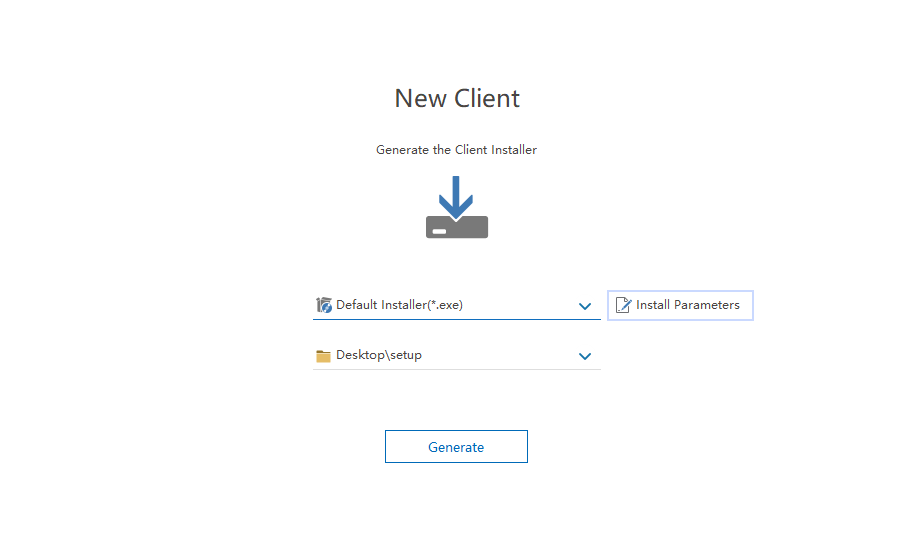
Generate the public-facing endpoint agent installer
When using VPN or public IP/port mapping, generate an endpoint agent installer that contains the correct external connection parameters so newly installed endpoints can connect successfully.
Best-practice recommendations
- Prefer VPN or zero-trust access when possible.
- Standardize the connection parameters used for internal and external access.
- Include port changes, mapping rules, and whitelist changes in formal change management.
- After deployment, verify endpoint online status, policy delivery, and heartbeat stability using sample endpoints.
Updated


