
Knowledge Base

Knowledge Base
/ Release Notes
How to Send a Message to an Endpoint Agent
Administrators can send notification messages to design […]
Last updated: Apr 01, 2026
Administrators can send notification messages to designated endpoints through the Management Console. After the message is successfully sent, the endpoint agent will display the subject and content of the message in the form of a pop-up window to facilitate prompts or notifications to the end user.
Send message configuration
- Select the target endpoint in the endpoint list
- Right-click the endpoint -> Operation -> Send Message
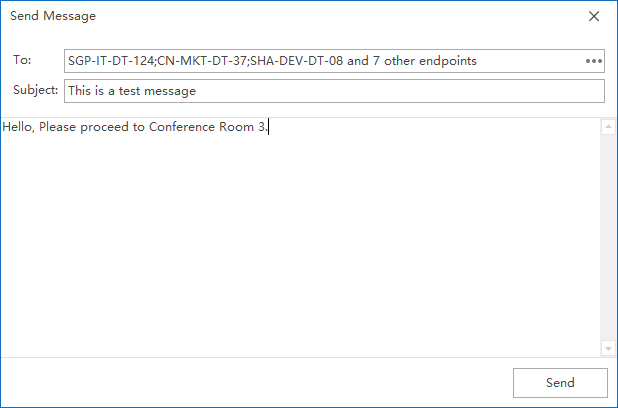
- After selecting, fill in the message subject and content
If you want to send to multiple endpoints at the same time, you can click the More button on the interface and check the endpoints that need to receive the message.
Endpoint Agent display effect
After the sending is successful, the endpoint agent will pop up a message window to display the subject and content of this sending.
On this page

